
 Image 1 of 1
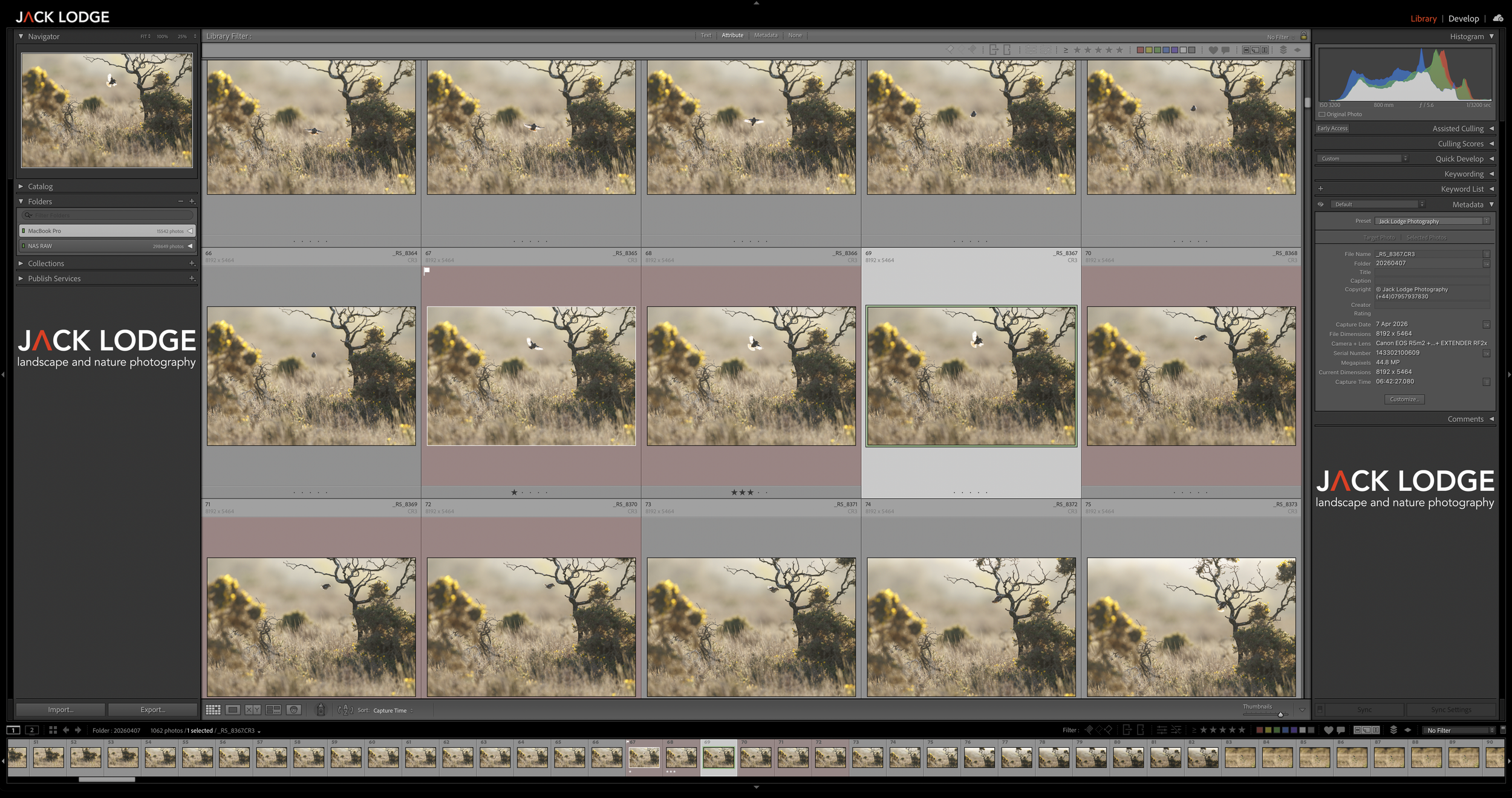
The second instalment of my online Lightroom tutorials (thanks so much to everyone who keeps coming along, what an awesome little community we’re building here) and this time, it’s time to show you a few different image culling techniques to batch delete RAW files quickly and efficiently, pick the best images out of THOUSANDS and produce a way of finding images quickly via collections - especially useful for wildlife photographers as well as landscape photographers on big trips.
Topics include but are not limited to:
Fastest way to import 1000’s of images from a photo trip
What preview modes to use and when/why
How to import custom metadata
How to set colour labels and flags to speed up culling
How to batch delete thousands of images in just two clicks (speed saver!)
How to set up a rating system for your portfolio
Tips on setting up collections for easy finding
Culling tips and tricks to save valuable (thanks AI) hard drive space
Setting up export presets for all use-cases from social to print
There will of course be an open floor for questions throughout (depending on the number of questions, I may answer them all at the end) - please note this is for Adobe Lightroom and may or may not work for similar/other applications of your choice.
Join me for roughly 60 minutes and block out your diary - I will send a Zoom link 7 days before but will also record the session and keep it live for 14 days if you’re unable to attend last-minute.
The second instalment of my online Lightroom tutorials (thanks so much to everyone who keeps coming along, what an awesome little community we’re building here) and this time, it’s time to show you a few different image culling techniques to batch delete RAW files quickly and efficiently, pick the best images out of THOUSANDS and produce a way of finding images quickly via collections - especially useful for wildlife photographers as well as landscape photographers on big trips.
Topics include but are not limited to:
Fastest way to import 1000’s of images from a photo trip
What preview modes to use and when/why
How to import custom metadata
How to set colour labels and flags to speed up culling
How to batch delete thousands of images in just two clicks (speed saver!)
How to set up a rating system for your portfolio
Tips on setting up collections for easy finding
Culling tips and tricks to save valuable (thanks AI) hard drive space
Setting up export presets for all use-cases from social to print
There will of course be an open floor for questions throughout (depending on the number of questions, I may answer them all at the end) - please note this is for Adobe Lightroom and may or may not work for similar/other applications of your choice.
Join me for roughly 60 minutes and block out your diary - I will send a Zoom link 7 days before but will also record the session and keep it live for 14 days if you’re unable to attend last-minute.